
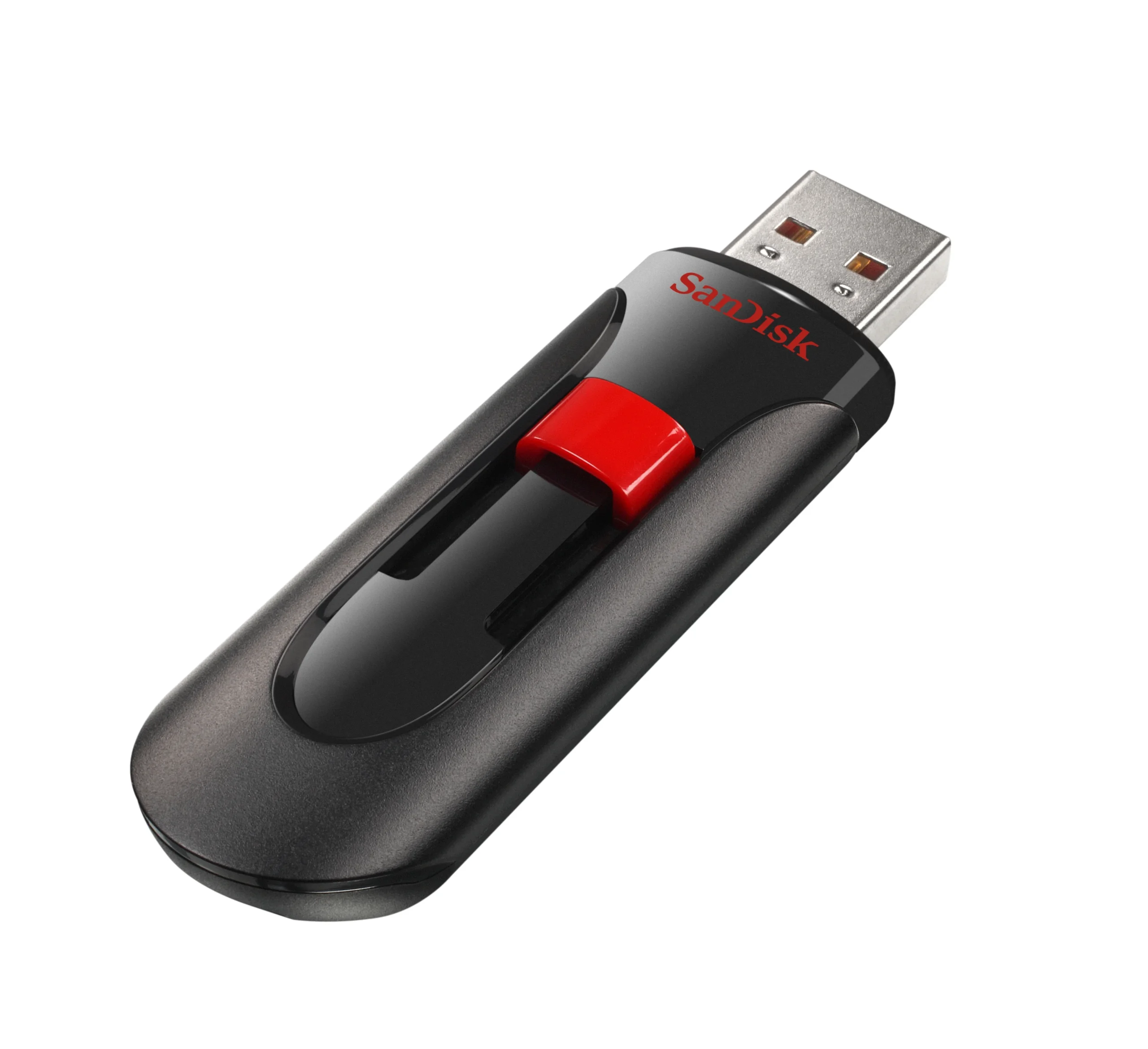
USB Flash Drives are a fast way to transfer large amounts of data, but they are not archival, not write protected, and small.
NOT ARCHIVAL
Life expectancy of a few months to a few years due to limited read/write cycles
NOT WRITE
PROTECTED
Can be deleted or
formatted, and can spread viruses
SMALL
Easy to lose, drop,
step on, etc.
After you receive your flash drive from DDVF you should immediately copy the data to:
- Your computer’s internal hard drive
- An external USB hard drive
- Optical Disc (CD, DVD, Blu-Ray)
- The Cloud (Dropbox, Google Drive, iCloud, etc.)
- Another flash drive
- The more places the better!
Your video files are no different than your other important digital files such as family photos, legal documents, and tax returns. Make sure you are backing up all of these to different locations and media formats!
For best MP4 video playback, we recommend
VLC Media Player on Windows, MacOS,
iOS, or Android. Copy the files to your
internal drive and play from there.
