Okay, we’re here with a customer’s camcorder. They have a VHS-C tape stuck in here. This is a Panasonic VHS-C camera. Takes 6 volts. So, we’re going to try to jump start it with our lab bench power supply. And we have power and eject.
There you go. This one is saved. Wrestling. So, if you have a tape that’s stuck in the camcorder and you want us to get it out or you just have tapes that you want to get digitized, bring them by the store. We can handle all these tapes over here. VHS-C, VHS, pretty much any format you have. We can put on digitize MP4 files, put them on a thumb drive for you. You can also still make your DVDs. So, bring them by the store if you’re in Delaware or Pennsylvania or Maryland – 1709 Concord Pike or visit online. Visit us online at ddvf.com. You can send us a message through the website or through our Instagram or Facebook. We’ll see you soon. Thanks. It’s up to you to save your family memories.
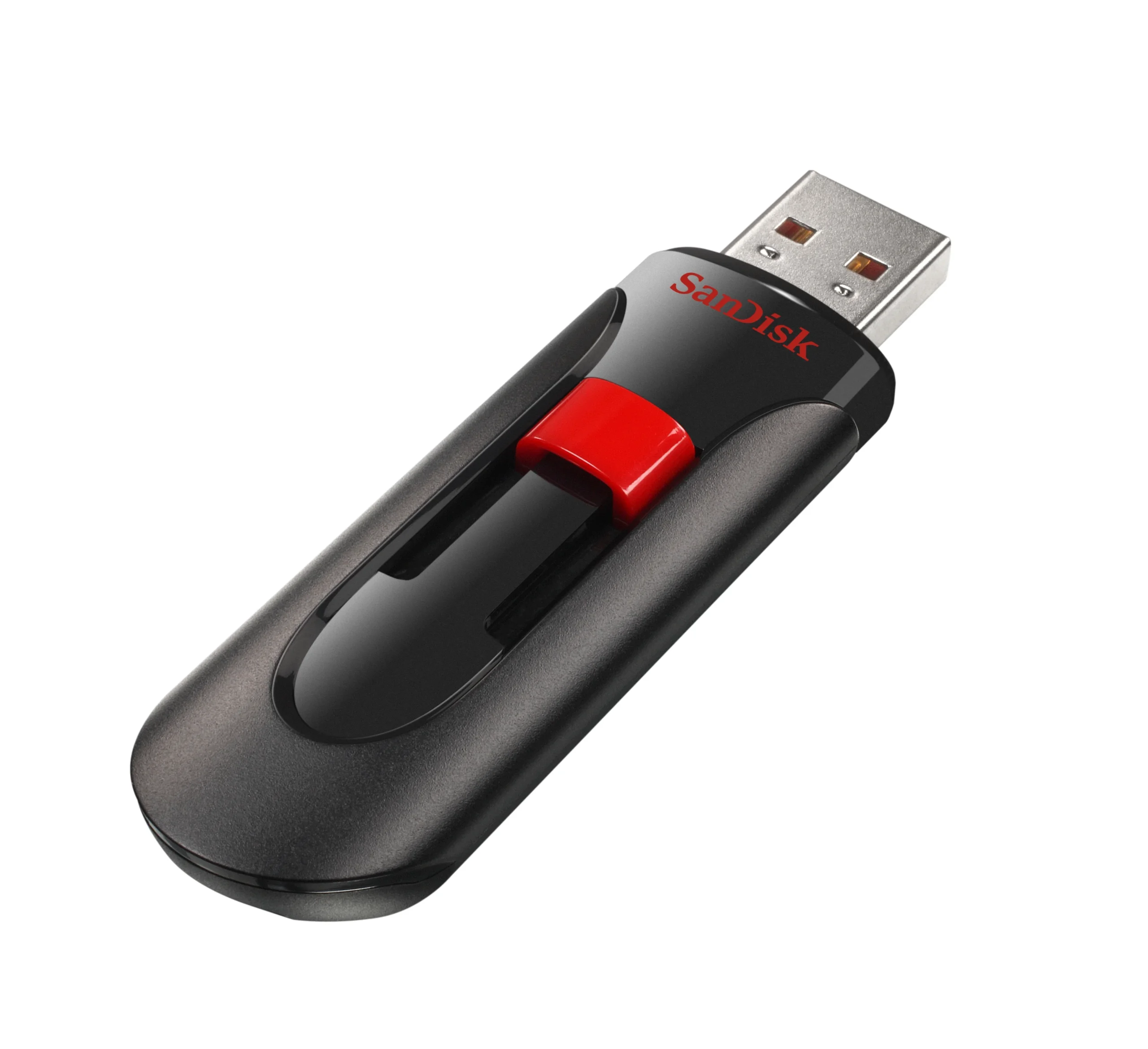
USB Flash Drives are a fast way to transfer large amounts of data, but they are:
– NOT ARCHIVAL – life expectancy of a few months to a few years due to limited read/write cycles – NOT WRITE PROTECTED – can be deleted or formatted, and can spread viruses – SMALL – easy to lose, drop, step on, etc.
You should immediately copy the data to:
+ Your computer’s internal hard drive + An external USB hard drive + Optical Disc (CD, DVD, Blu-Ray) + The Cloud (Dropbox, Google Drive, iCloud, etc.) + Another flash drive + The more places the better!
Here’s an example of how crazy things were back in the 80s and 90s. Free blank video cassette tape with a three-pack purchase of Camel Cigarettes.
This is from 1989.
And smooth move number 203. Free blank video cassette with three-pack purchase. I think people who smoke are real losers. So even though Brook Shields thought you were a real loser for smoking cigarettes, at least you got a free videotape. If you have any video tapes, camcorder tapes, VHS, beta with family stuff on it, you want to get them digitized, bring them by the store. You’re in Delaware, Pennsylvania, New Jersey, or Maryland. We’re easy access right off I-95. If you’re out of state, feel free to check out our website, ddvf.com. Send us a message. It’s up to you to save your family memories.
This is a Sony CCD-TRV138 Hi8 camcorder from Sony. Came out in 2005 and at the time the MSRP was $240. Which in today’s money in 2025, 20 years later, would be about $400 bucks. So this was a budget camcorder.
Digital8 had been out since 1999 at this point. And a Digital8 camera, the next one up in this series, was about $400 versus $240. So this would play back your Hi8 tapes and your Video8 tapes but would not play Digital8 tapes.
Now this is a flip out screen. Power switch is here. Push it down once and that takes you into camera mode. Push it down against again put you in playback mode. To load a tape. This is a bottom loading camcorder. The older Sony cameras all loaded from the top. The newer ones, load from the bottom. Put a tape in. Close the hatch. Do not touch it as it goes back in. Close it.
Now the tape’s loaded. And you can either record or play back. Got a battery on the back. Power connector down here. Your video output cable goes in here to your capture device or your TV. And that’s pretty much it.
It’s a Sony Hi8 camcorder 2005. $240 back then. Not too bad. So, tell us in the comments what kind of camcorder you had. Was it a Sony, JVC, Canon? And if you have any tapes that you need to digitize, bring them by the store. We’re here in Wilmington, Delaware on the Concord Pike, DDVF.com.
USB Flash Drives are a fast way to transfer large amounts of data, but they are not archival, not write protected, and small.
NOT ARCHIVAL
Life expectancy of a few months to a few years due to limited read/write cycles
NOT WRITE PROTECTED
Can be deleted or formatted, and can spread viruses
SMALL
Easy to lose, drop, step on, etc.
After you receive your flash drive from DDVF you should immediately copy the data to:
Your computer’s internal hard drive
An external USB hard drive
Optical Disc (CD, DVD, Blu-Ray)
The Cloud (Dropbox, Google Drive, iCloud, etc.)
Another flash drive
The more places the better!
Your video files are no different than your other important digital files such as family photos, legal documents, and tax returns. Make sure you are backing up all of these to different locations and media formats!
For best MP4 video playback, we recommend VLC Media Player on Windows, MacOS, iOS, or Android. Copy the files to your internal drive and play from there.
Hi, I’m Vince the VHS tape. I was born in 1976, so I’m getting old and worn out, but I still have a lot of good stuff inside me—birthdays, high school football games, graduations, and weddings. In this video, I’m going to tell you three reasons why you need to digitize your magnetic tapes. Stick around and I’ll tell you more!
Number one: magnetic tapes slowly lose signal over time. A video recorder uses a spinning head with an electromagnet to record the video and audio signals. The head spins at about 30 revolutions per second while the tape moves past it at just over an inch per second. As it spins, the record head magnetizes the coating on the plastic tape. Playback heads can then read that magnetic signal and convert it to video and sound your TV can show. It’s an impressive technology when you consider all the mechanical and electrical coordination required. The downside is that any magnetic field can influence the charge on the tape. A very strong magnet can instantly erase a tape—Radio Shack even used to sell tape erasers—while weaker magnetic fields slowly degrade recordings. Even the Earth’s magnetic field, the one that makes compasses work, gradually erases magnetic tapes. Most experts agree that the typical lifetime of a VHS tape is about 15 to 25 years, and powerful magnets inside TVs, stereo speakers, and electric motors can shorten that even further.
Number two: the machines required to play back magnetic tapes are going away. Even if your tape’s signal is still strong, you may have trouble finding a working machine to play it. The last VHS VCR was manufactured in 2016, and other formats—like MiniDV, Video8, and especially Betamax—were discontinued long before that. The parts and expertise needed to maintain these machines are disappearing, too. Remember that complicated dance of a spinning head and moving tape? Everything has to be precisely aligned, and as belts wear out and capacitors leak, the odds of finding a fully functional VCR keep dropping.
Number three: you can watch and share your memories. Right now your tapes may be sitting in a box or on a shelf, slowly losing signal. You might not even have a machine to play them. The content is likely still there, just inaccessible. The experts at Delaware Digital Video Factory can play back and digitize your tapes, cleaning and repairing them as necessary. Your audiovisual content can be archived on DVD, and digital files can be delivered on a USB drive. That lets you keep multiple copies in multiple places—give family members DVDs or USBs, and back up the digital files on external hard drives or a cloud service. Your one copy on one tape suddenly becomes many copies in different places that everyone can enjoy.
VHS-C: the compact camcorder format that brought home video to millions.
In this nostalgic deep dive, we trace VHS-C from its 1982 debut by JVC to its pop-culture moment in “Back to the Future” and how its legacy lives on today. If you’ve got a drawer full of tiny tapes (or a story about a lens cap mishap), this one’s for you.
What you’ll learn
How VHS-C differs from full-size VHS (same ½″ tape, smaller shell)
Why the adapter made VHS-C instantly VCR-friendly
The role of JVC’s GR-C1 and its famous movie cameo
Why formats moved on—and what to do with tapes today
Resources & Mentions
JVC GR-C1 camcorder (1984)
VHS-C to VHS adapter (for playback in VCRs)
Join the conversation
Do you have a VHS-C memory—a 90-minute epic or a recording fail? Drop it in the comments! If you enjoyed this trip down memory lane, like, subscribe, and ring the bell for more video history and preservation tips.
Here is an interesting segment from CBS Sunday Morning (3/1/2009) on Data Rot. It emphasizes the importance of digitizing and migrating your data (video, audio, computer files, etc) to the latest format every few years. This will ensure you don’t get stuck with a tape, disk, or chip for which there is no player available.