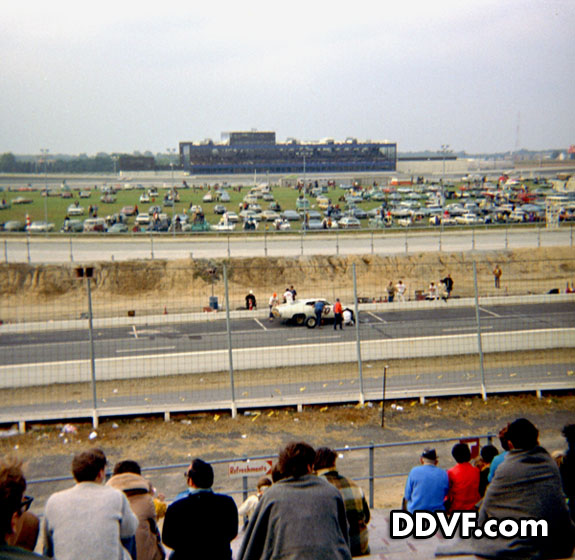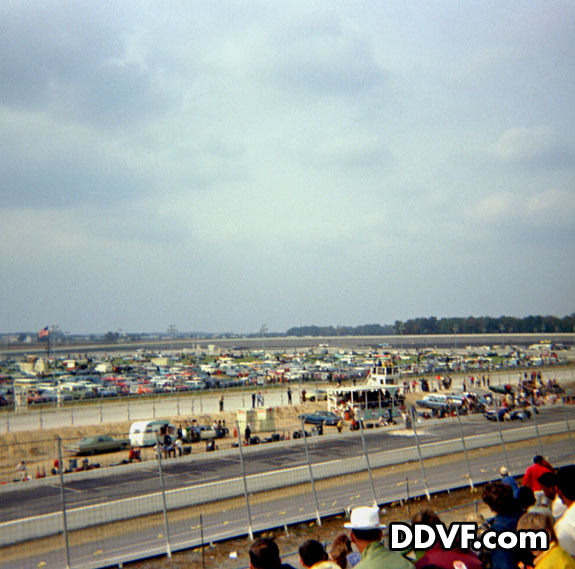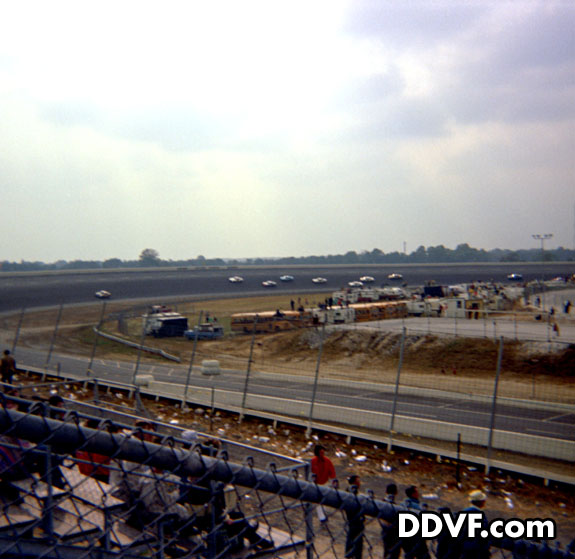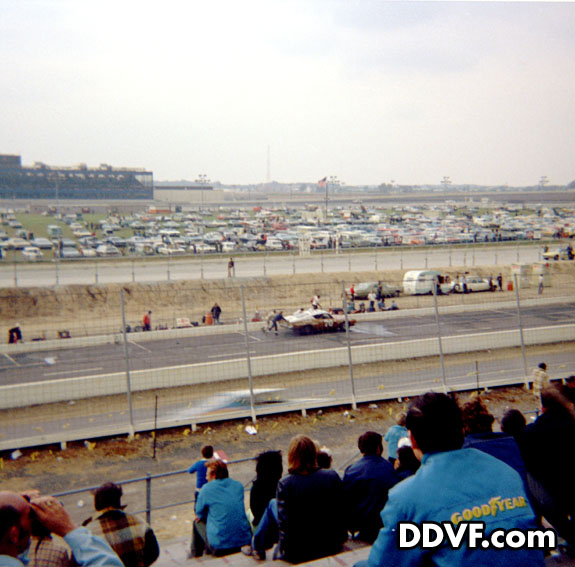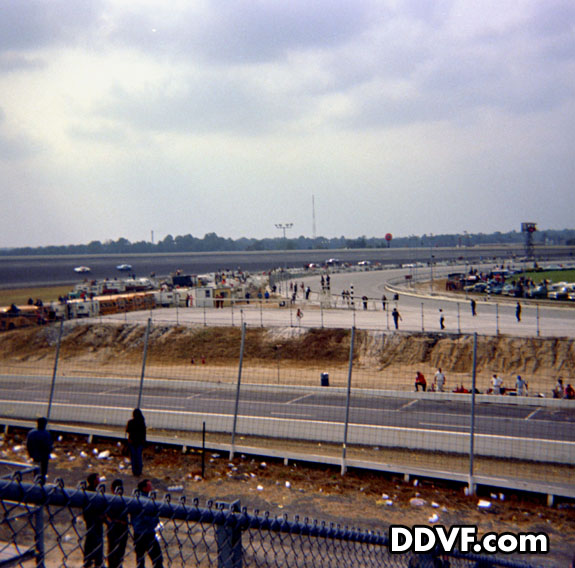
1969 Brandywine High School Marching Band – 11-22-1969
Transferred from 16mm film (no sound track). Looks like homecoming floats at the end.
Transferred from 16mm film (no sound track). Looks like homecoming floats at the end.
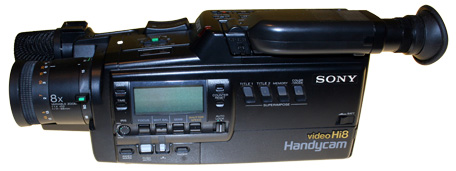
Manufacturer: Sony
Model: CCD-V99
Release Date: May 1989
MSRP: $2,200
This is the first Hi8 Handycam Camcorder that was released by Sony.
It is currently on display at DDVF.

DDVF recorded Punkin Chunkin from 1996 to 2009.
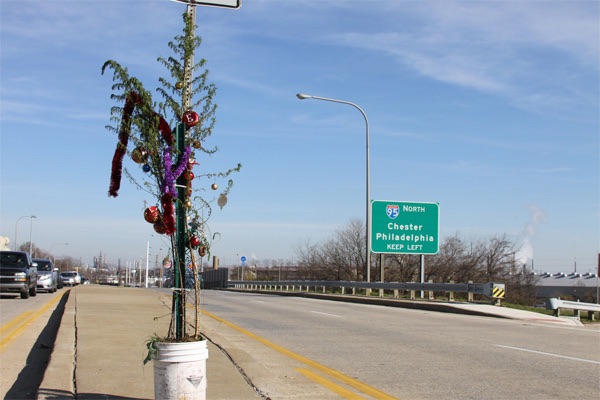
DDVF has been recording the Claymont Christmas Parade since 2004.
Please visit ClaymontChristmasParade.com to view past videos and photos.
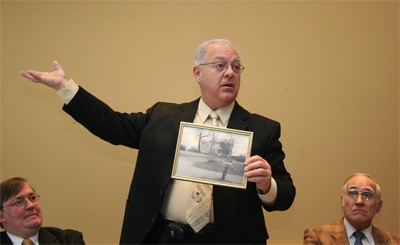
Saturday February 23, 2008 @ 10 AM
Brandywine Hundred Branch Library
1300 Foulk Road, Wilmington, DE 19803

Representatives from the Talley, Day, Grubb, Hanby, Forwood & Magness families regale us with stories about our Brandywine Hundred history.
Part 1 – Bob Weiner (7 minutes)
Part 2 – Jon Husband (16 minutes)
Part 3 – Jack Day (35 minutes)
Part 4 – Andy Talley (12 minutes)
Part 5 – Garet Forwood Gunther (25 minutes)
Part 6 – Susane Magness (30 minutes)
Part 7 – James Hanby (25 minutes)
You can purchase a DVD for $5 from the Delaware Digital Video Factory – just stop by the store.
Saturday May 17, 2008. 10am – 2pm
Brandywine High School Cafeteria
DVDs from the May 17th Brandywine Hundred History Expo are available at the store. Just stop by, the price is $5 each.

For more information visit:
www.winterthur.org
For more information visit:
www.winterthur.org
Delaware State Police Pipes and Drums at Winterthur Point-to-Point 2011
For more information visit:
www.winterthur.org
2010 Winterthur Point-to-Point – Parade of Antique Carriages:
The weather was not the best, but Winterthur’s Point-to-Point 2009 was still a very successful event.
Umbrellas, tarps and tents provided cover for the soaked crowd of 15,000 who came to watch the steeplechase racing, bagpipers, antique carriages and vintage automobiles.
Proceeds from Point-to-Point benefit other programming at Winterthur year-round.
For more information visit:
www.winterthur.org
Winterthur’s Point-to-Point 2008 was a glorious day of sport and style – from the thrill of steeplechase racing to the elegance of an antique carriage parade, bagpipers in traditional dress, and lots of family fun. A happy crowd of 20,000 celebrated the 30th anniversary of Winterthur’s signature sporting event amidst the springtime beauty of an American country estate.
Proceeds from Point-to-Point benefit other programming at Winterthur year-round.
For more information visit:
www.winterthur.org
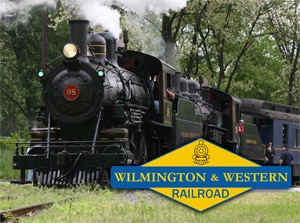
The first steam locomotive with a 4-4-0 wheel arrangement was built in 1837 and the design lasted for nearly a century. The 4-4-0 was a popular choice for nearly every American railroad, so much so that the wheel arrangement soon earned the name “American Standard,” or simply “American.”
No. 98 was built by the American Locomotive Company of Schenectady, New York, in January 1909 (construction #45921) for the Mississippi Central Railroad (MSC) in Hattiesburg, Mississippi.
For more information visit:
http://www.wwrr.com/museum/98/
No. 58 was built by the Baldwin Locomotive Works of Philadelphia in October 1907.
Visit www.wwrr.com for more information on the railroad and to view their schedule.
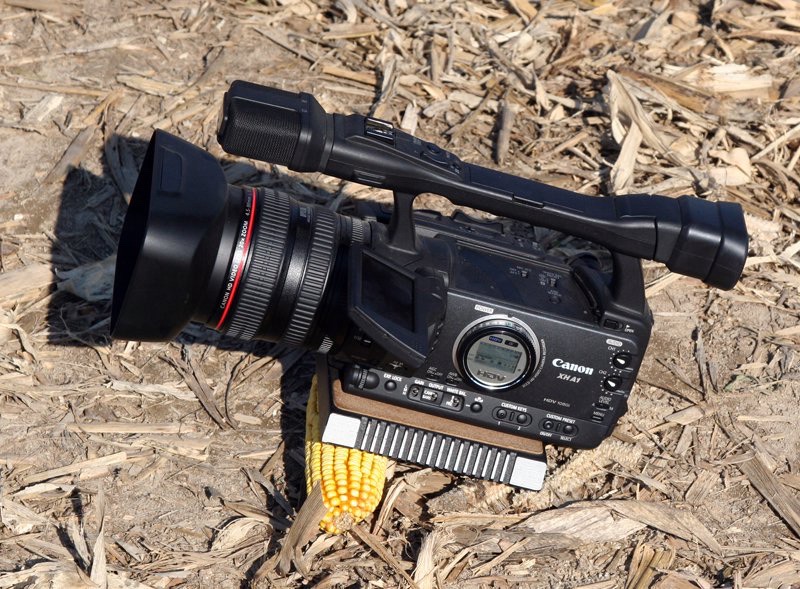
1. Lights! Camera! Action! Don’t Forget the Lights!
When shooting indoors, make sure there is enough light. Turn on all the room lights and use an external camcorder light if possible. When outdoors, make sure the sun is shining on the face of your subject to avoid backlighting and silhouettes.
2. Use a tripod whenever practical
Avoid walking with the camcorder. Buy the best tripod that you can afford and make sure the head is well lubricated to avoid squeaking/clicking during panning.
3. Don’t pan or zoom too fast
Smooth, slow and steady movements are the key to good video. Avoid fast and jerky moves. They can make your audience seasick. When shooting an event from a distance (school play, football game) use the widest shot available with occasional zooms. Also, turn off the digital zoom on your camera and just use the optical zoom to avoid grainy/pixilated video.
4. Audio is 70% of video
Studies show that people would rather watch bad video with good audio than good video with bad audio. The built in omni-directional microphones on most camcorders are designed to pick up sounds surrounding the camera. These also include camera, tripod and operator noises which you may not want on the video. Consider an external shotgun mic to focus the direction on the subject or a clip on lavaliere mic if doing interviews.
5. Use the correct tape speed
Many cameras offer slower tape speed settings that allow you to capture more time on one tape. This may seem handy, but in reality it decreases the quality of your video by squeezing more data onto the tape. In some cases your tape may not even play back in another player. It’s always best to use the standard play (SP) setting and just start a fresh one when you run out of tape.
Read about VHS tape speeds and why you should always use SP mode. Same concept applies to MiniDV and most harddrive and media card cameras have adoped the concept. Always use the highest quality setting.
6. Avoid the digital still picture
Some camcorders offer a digital still function that freezes the current scene for 5 seconds (while still recording audio) and then continues recording video. This is risky because if you take a bad “picture”, you are stuck with 5 seconds of it on your tape. You’re better off carrying a digital still camera if you plan on taking stills while shooting video (just learn how to operate your still camera with your left hand or use a tripod for the video camera). That way you have high resolution stills that can always be inserted while editing your video.
7. Don’t overuse the time/date stamp
The time/date stamp is a handy way to remember when you shot a video. Unfortunately, many people leave it on for the entire video. This is unnecessary and becomes distracting. Instead, just showing it for a few seconds at the beginning of each scene should be sufficient. Also, make sure the time and date are set correctly on your camcorder. Another good way to remember when and where you were is to verbally announce the date & location and take some short shots of signs/landmarks.
8. Avoid the digital effects
Many camcorders have neat digital effects (such as black & white, sepia, inverse, paint) that make your video look different. These are great, except some people forget to turn them off and then wonder why their entire tape is black & white or negative. Unless you have a specific goal in mind, it’s best not to use the digital effects, especially since you can go back and add them while editing later.
9. Shoot different angles
Make your video more interesting by shooting from a different perspective. While videotaping your kids, try taking a knee and record from a lower elevation. In a large auditorium, stand on a chair in the back to position yourself above everyone (with the camera on a tripod, of course) and avoid the “back of the head” shot during the entire performance. In some situations you may even want to place the camera near the ground and shoot low.
10. Pay attention while watching TV
If you like taking video, you can learn a lot from watching TV shows, movies and sporting events. Pay attention to the framing of the scenes, the set lighting, the cameras’ interaction with the actors, and the editing. Some dramas are well known for their dark sets, fast zooms, tight framing and quick cuts, whereas most sitcoms are well lit, colorful, loosely framed with a mix of wide and medium shots. With the variety of robotic and hidden cameras in use today, professional sporting events are an excellent way to see different vantage points in action.

The three speed settings on a normal VHS VCR simply control the speed of the tape with relation to the rotating drum. In SP mode, the tape is moving past the head at 1.31 linear inches per second (ips). In LP mode, it’s 0.66 ips, and in EP mode it is 0.44 ips. As the tape speed decreases, the bands on the tape get closer together, reducing the quality of the image but increasing the amount of material that fits on the tape.
EP Mode (sometimes called SLP)
This is the worst mode to record in since you are putting lots of information in a compact area. In this mode the Audio and Video tracks overlap by one third, (see image below) leaving only one third of the track to remain clear. Good quality is the best you can expect with even the best recorders. In time the signals will degrade and bleed further into each other. The sound will become garbled and the pictures washed out or very soft.

LP Mode
100% better quality picture and sound over EP mode. The video and audio tracks are butted up against each other on the tape but do NOT overlap (see image below) and both signals are clear. In this mode you get very good to excellent quality picture and sound. There is a probability of signal bleed through after some time. One major problem with LP is tracking from VCR to VCR. It may work perfectly in one VCR but not even track in another.

SP Mode
About 15% better quality picture and sound over the LP mode. In this mode there is a space between the audio and video tracks as they are laid down. The space ensures that even over time signal bleed is not a problem.